Wealthbuilderz | November 2026
Affiliate disclosure: As an Amazon Associate I earn from qualifying purchases. This article contains affiliate links. We may earn a commission from qualifying purchases at no additional cost to you.

Starting a YouTube channel or podcast can become part of a larger business strategy. You can use content to build an audience, attract customers, promote services, and eventually develop additional income streams.
But before you start thinking about monetization, you need to create content people actually want to watch or listen to.
One of the most important parts of that experience is clear audio.
You don’t need a $500 microphone or an expensive recording studio to get started. Several affordable USB microphones offer features that make them practical for beginners.
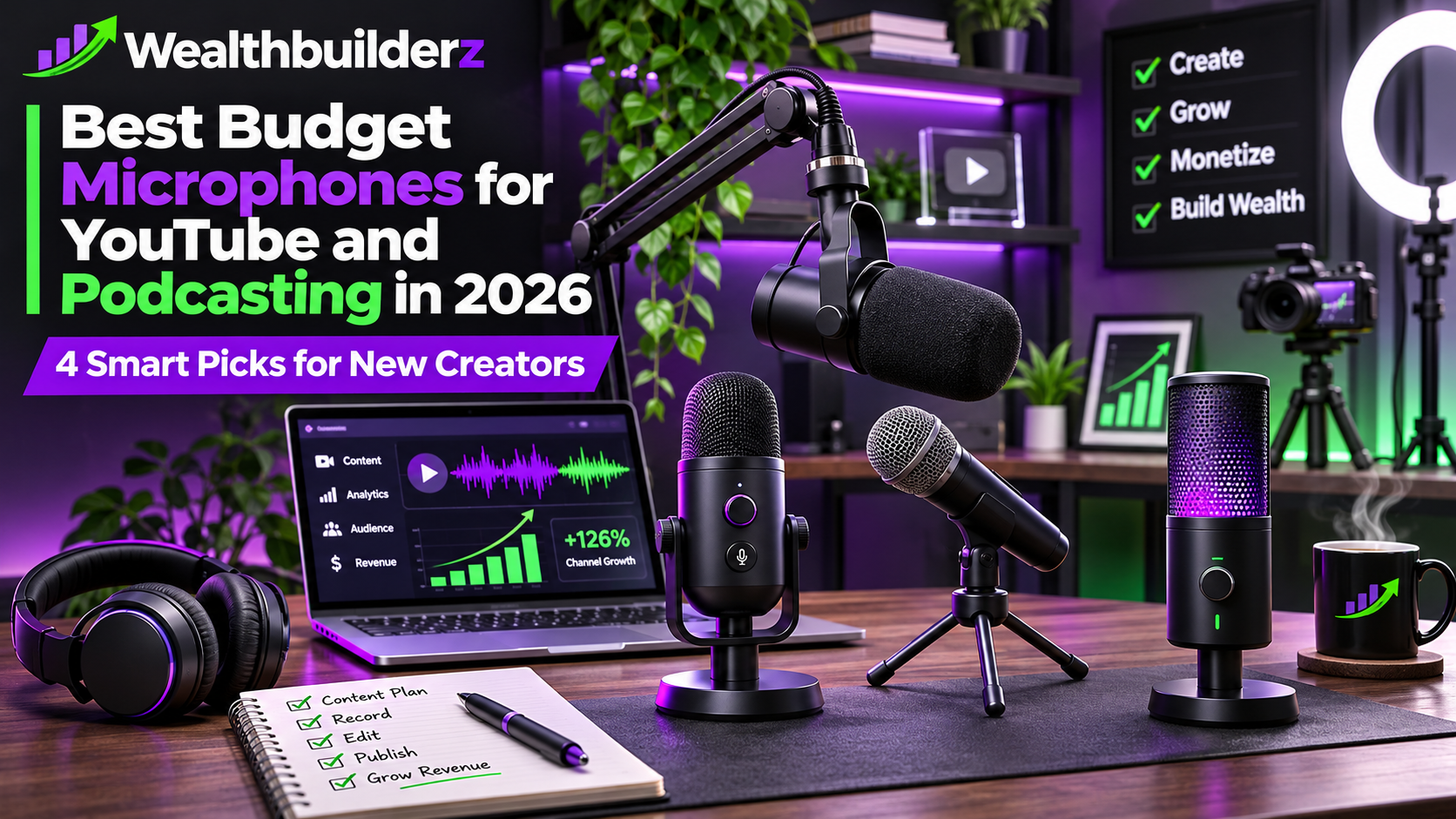
Today, Wealthbuilderz is comparing four microphones for aspiring YouTubers, podcasters, and entrepreneurs.
How we selected these products: These recommendations are based on manufacturer specifications, connectivity, included features, and practical considerations for starting a content business. We have not conducted independent audio performance tests.
Quick Comparison: 4 Microphones Worth Considering

| Microphone | Best for | Connection |
|---|---|---|
| FIFINE AM8 | Budget-conscious creators | USB / XLR |
| Samson Q2U | Beginner podcasting | USB / XLR |
| MAONO PD200X | Creators wanting software controls | USB / XLR |
| RØDE NT-USB Mini | Simple desktop recording | USB |
1. FIFINE AM8 — Best for Budget-Conscious Creators

The FIFINE AM8 is an interesting starting point for aspiring content creators who want a microphone they can use immediately without purchasing a separate audio interface.
It’s a dynamic cardioid microphone with USB and XLR connectivity, headphone monitoring, gain adjustment, a tap-to-mute function, and customizable RGB lighting.
For a creator working from a bedroom or home office, the dynamic microphone design may be useful because it can reduce the amount of surrounding room sound captured compared with some sensitive condenser setups.
Pros
- USB connection for easy computer recording
- XLR connection for future audio equipment upgrades
- Built-in microphone gain control
- Headphone monitoring
- Tap-to-mute functionality
- Customizable lighting for on-camera setups
Cons
- RGB lighting may not appeal to creators seeking a traditional business appearance.
- An audio interface and XLR cable are needed to take advantage of its XLR connection.
- Recording results still depend heavily on microphone positioning and the surrounding environment.
Wealthbuilderz verdict: A practical entry point for someone building a YouTube channel or podcast on a tight budget.
Check the FIFINE AM8 on Amazon
2. Samson Q2U — Best for Beginning Podcasters

The Samson Q2U is another microphone worth considering when starting a podcast or recording spoken-word content.
It uses a dynamic cardioid capsule designed to focus on sound coming from the front of the microphone.
Its USB and XLR connections give creators flexibility. You can begin recording directly into a computer and later connect to a mixer or audio interface as your production setup grows.
One especially useful feature is the included accessory package. The Q2U comes with a desktop tripod, microphone clip, windscreen, and cables, although buyers should verify the exact contents and USB connector on their selected package.
Pros
- USB and XLR connectivity
- Direct headphone monitoring
- Cardioid pickup pattern
- Useful included accessories
- Suitable for podcasts, voiceovers, and talking-head YouTube videos
Cons
- The handheld microphone design may be less visually appealing than a broadcast-style desktop microphone.
- A small desktop tripod may not be the ideal position for every recording setup.
- USB recording is limited to 16-bit audio, which is sufficient for many spoken-word projects but less flexible than some alternatives.
Wealthbuilderz verdict: A sensible choice for a creator who wants to record conversations, business commentary, tutorials, or interviews.
Check the Samson Q2U on Amazon
3. MAONO PD200X — Best for Creators Who Want More Audio Controls

The MAONO PD200X provides an alternative for creators looking for USB convenience with room to expand.
It offers USB-C and XLR connections, a dynamic cardioid design, headphone monitoring, microphone gain adjustment, and support for Maono’s audio-control software.
In USB mode, the microphone supports 24-bit/48 kHz digital audio recording.
The companion software offers additional settings, although the available features and compatibility should be checked for your operating system.
Pros
- USB-C and XLR connections
- 24-bit/48 kHz USB recording
- Built-in mute and volume controls
- Headphone monitoring
- Software-based audio settings
- Suitable for a stationary recording desk
Cons
- Some settings require software configuration.
- The additional controls create a slightly more involved setup.
- XLR recording requires compatible external audio equipment.
Wealthbuilderz verdict: Worth comparing if you want more control over your recording settings and plan to build a dedicated content-creation workstation.
Check the MAONO PD200X on Amazon
4. RØDE NT-USB Mini — Best for Simple Desktop Recording

Not everyone wants a complicated recording setup.
The RØDE NT-USB Mini is designed to make desktop audio recording straightforward.
Unlike the other three microphones in this comparison, it uses a condenser capsule.
It features USB connectivity, a built-in pop filter, direct headphone monitoring, a magnetic desktop stand, and compatibility with RØDE Connect software.
It also supports 24-bit/48 kHz recording.
Pros
- Compact desktop design
- USB plug-and-play operation
- Built-in pop filter
- Headphone monitoring
- Magnetic stand and adjustable mounting
- RØDE Connect software integration
Cons
- No XLR connection for an eventual analog recording setup.
- A condenser microphone may capture more room ambience, especially in untreated spaces.
- Less suitable for someone specifically looking for a handheld microphone.
Wealthbuilderz verdict: A good option for someone with a reasonably quiet recording environment who wants a straightforward desktop microphone.
Check the RØDE NT-USB Mini on Amazon
Dynamic vs. Condenser Microphones: Which Should You Choose?
The microphone type you choose should depend on where and how you record.
Dynamic microphones often work well for spoken-word recording in ordinary rooms, particularly when positioned close to the speaker. They can be useful for reducing distractions from distant background sounds.
Condenser microphones can capture subtle details and are useful for voiceovers, podcasts, and other studio recording applications. However, they may also reveal more of your room’s acoustics.
Neither technology automatically guarantees better sound.
The quality of your recording will also depend on microphone placement, gain settings, room reflections, background noise, and editing.
How to Build a Budget Content-Creation Setup

If you’re starting a channel or podcast, focus on the essential equipment before investing in expensive accessories.
A reasonable starter setup could include:
- A reliable USB microphone
- A computer or smartphone capable of recording
- Headphones for monitoring audio
- Free or affordable recording and editing software
- A quiet recording location
- A simple lighting setup if you’re recording video
Once you start publishing consistently, you can determine which upgrades will actually improve your production workflow.
Remember, your equipment is a tool. Your content strategy is the business.
Frequently Asked Questions
Do I need an expensive microphone to start YouTube?
No. Many affordable USB microphones provide features suitable for spoken-word videos. Good positioning and a quiet recording environment can make a significant difference.
Is a USB or XLR microphone better for beginners?
USB microphones are generally easier to set up because they connect directly to a compatible computer. XLR microphones typically need an external audio interface or mixer.
A microphone supporting both can give you flexibility as your setup develops.
Can I use a podcast microphone for YouTube?
Yes. Most podcast microphones are also suitable for talking-head videos, tutorials, business discussions, and voiceover recording.
Can a YouTube channel actually become a business?
Yes, although revenue is not guaranteed. Content can support advertising, affiliate marketing, sponsorships, digital products, and service-based businesses.
The important part is consistently creating material that serves a defined audience.
Final Thoughts: Build the Business Before Buying More Equipment
You don’t need a professional recording studio to begin creating valuable content.
You need a clear message, a defined audience, reliable equipment, and the discipline to publish consistently.
For creators concerned primarily with upfront costs, the FIFINE AM8 is worth investigating. The Samson Q2U offers a useful accessory package, the MAONO PD200X provides additional audio controls, and the RØDE NT-USB Mini offers a straightforward desktop recording approach.
Compare current prices, accessories, and availability before choosing.
Then focus on the work that actually matters: creating content, building your audience, and developing a sustainable business.
No emotion. No excuses. Just build.
— Wealthbuilderz
No responses yet